Sentiment Timeline
The Sentiment Timeline provides a visual representation of the sentiment score of your issues over time. This allows you to track the evolution of sentiment for each issue, and identify trends in customer satisfaction within a ticket.
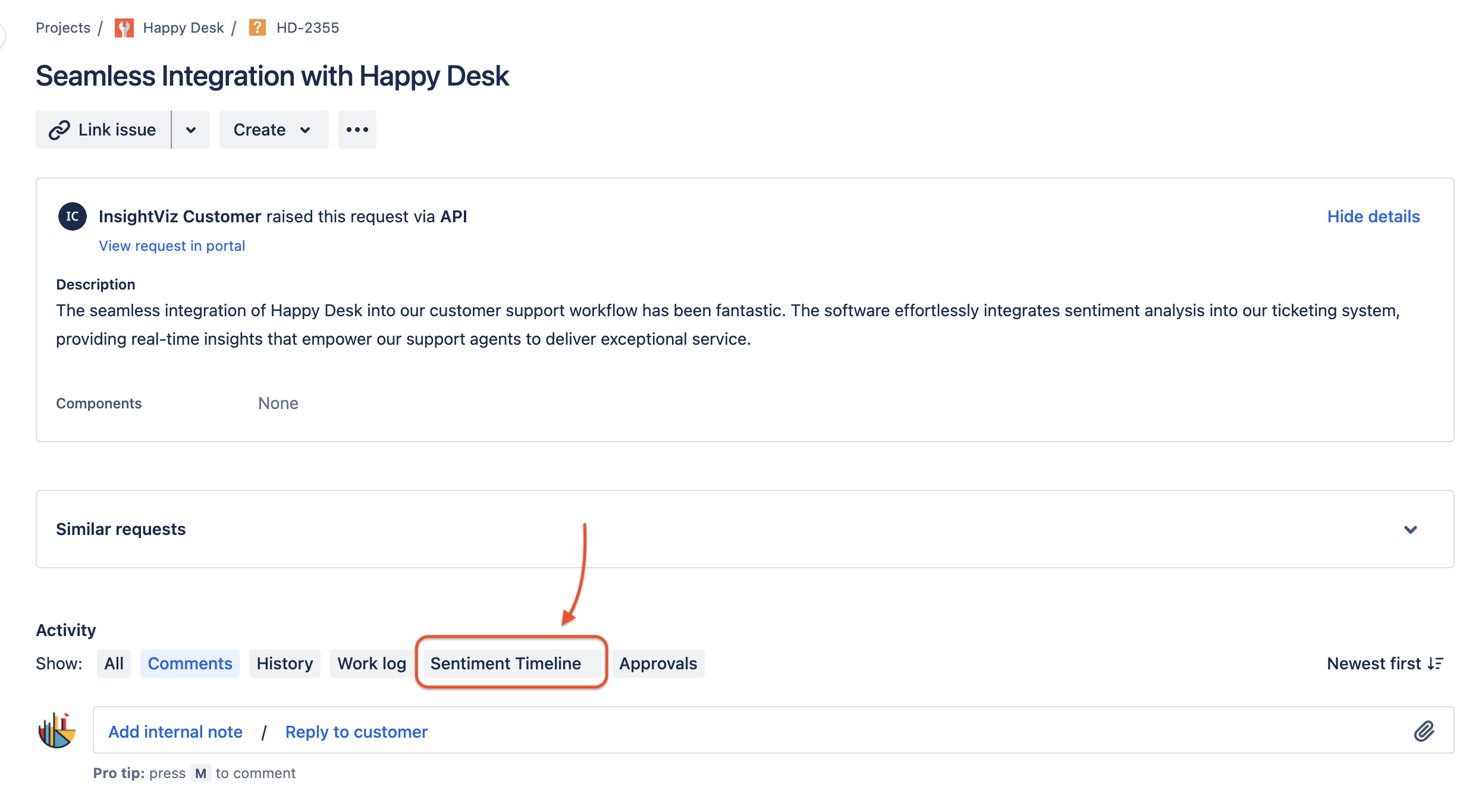
You can find the Sentiment Timeline in the Jira Issue view of any Service Desk ticket. To access the Sentiment Timeline, simply click on the ‘Sentiment Timeline’ below the issue description (where you find comments and other panels).
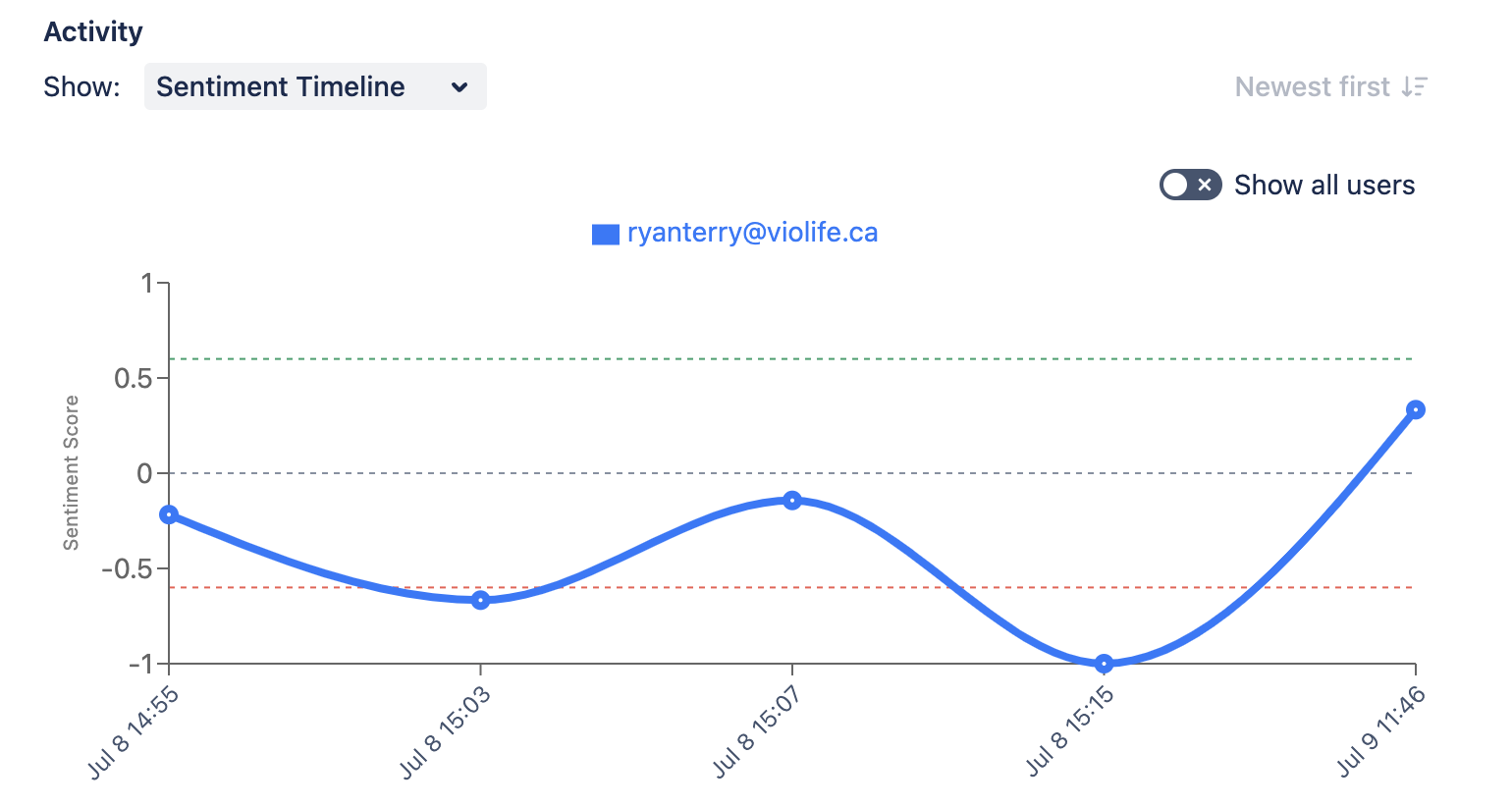
By default, the Sentiment Timeline will only display the sentiment score for the creator of the ticket but you can also see the sentiment score for all users by toggling Show all users option.
Last updated on